Clip download
Pick a start and end on a long video and download only that part. Stop saving a 3 GB file to keep 30 seconds.
The fast Windows downloader with a Chrome & Firefox extension. Paste a hundred links or click one red button on the page — save full videos, whole playlists, or a single clip you select on the timeline.

Works with the sites you use
Support depends on each site and can change. Private, paid or DRM-protected videos cannot be downloaded.
Built for creators, editors and anyone who collects a lot of video — fast to start, hard to break.
Pick a start and end on a long video and download only that part. Stop saving a 3 GB file to keep 30 seconds.
The Chrome & Firefox extension puts a download button right on the video. One click sends it to the app.
Paste as many links as you like. Playlists and channels expand into individual videos automatically.
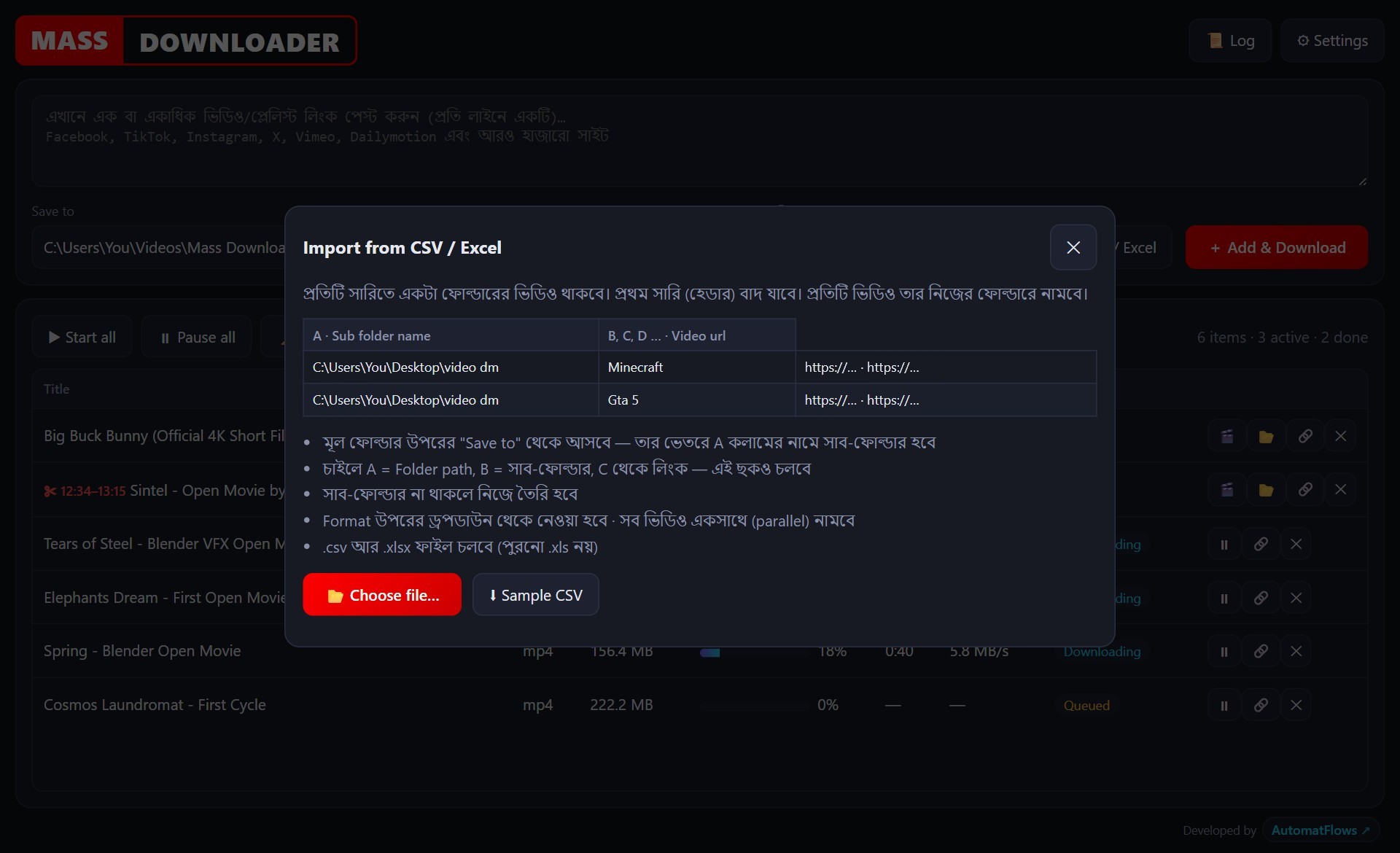
Import a sheet and every video lands in its own sub-folder — Minecraft here, Gta 5 there. Fully organised, zero manual work.
Choose best quality, 4K, 1440p, 1080p, 720p or 480p — or extract audio as MP3 or M4A in one step.
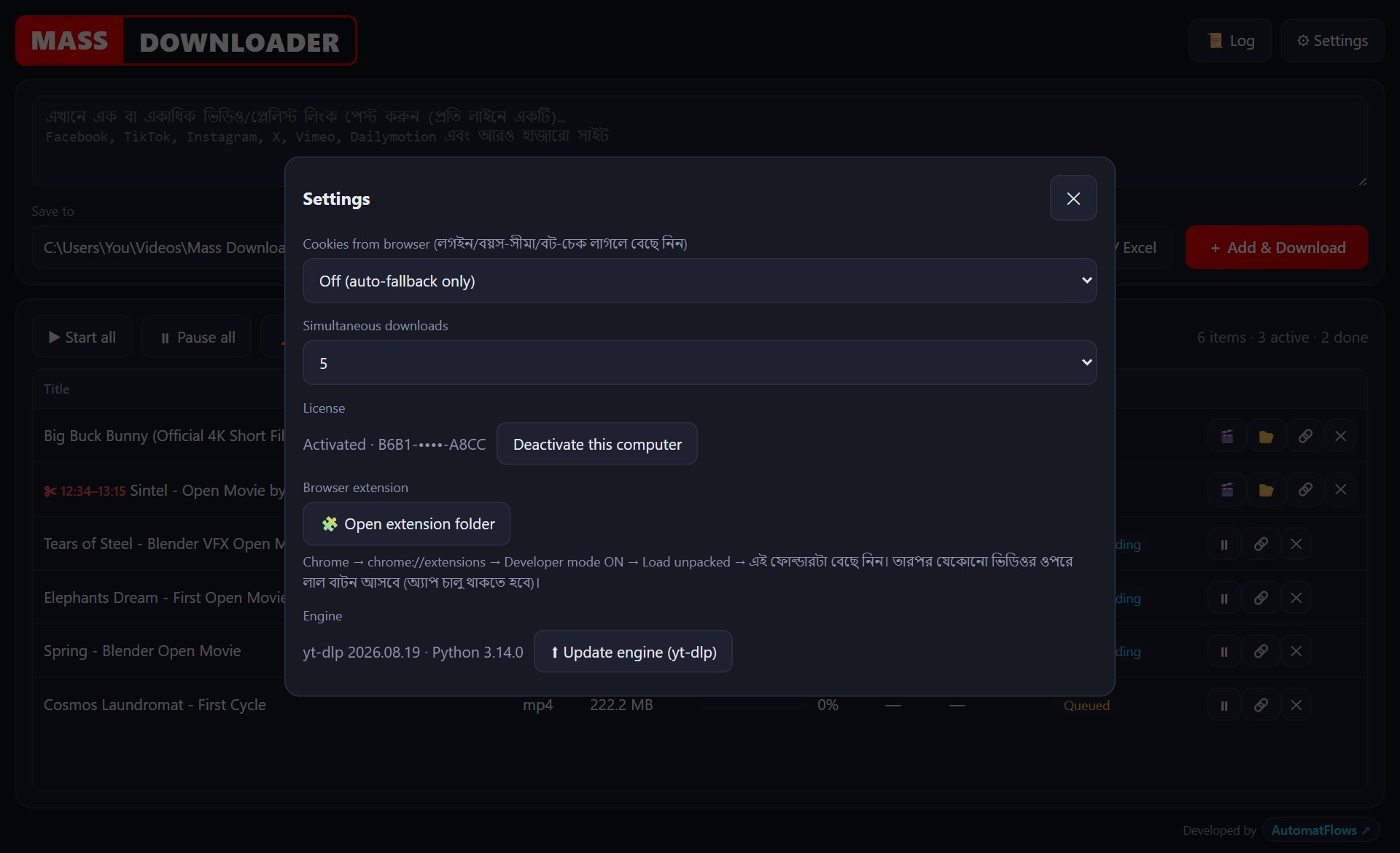
Run up to five downloads at once. Pause, resume or retry any item. Live progress, speed and ETA for each.
Strip metadata (titles, tags, chapters, encoder info) and save thumbnails — with a single checkbox each.
If one method fails, the next is tried automatically. Update the engine from inside the app when a site changes.
Everything runs on your PC. Your links and downloads are never uploaded to our servers.
Open a long video, press Clip part, and mark where the part begins and ends — right on the player’s own progress bar. See the frame, adjust, download.
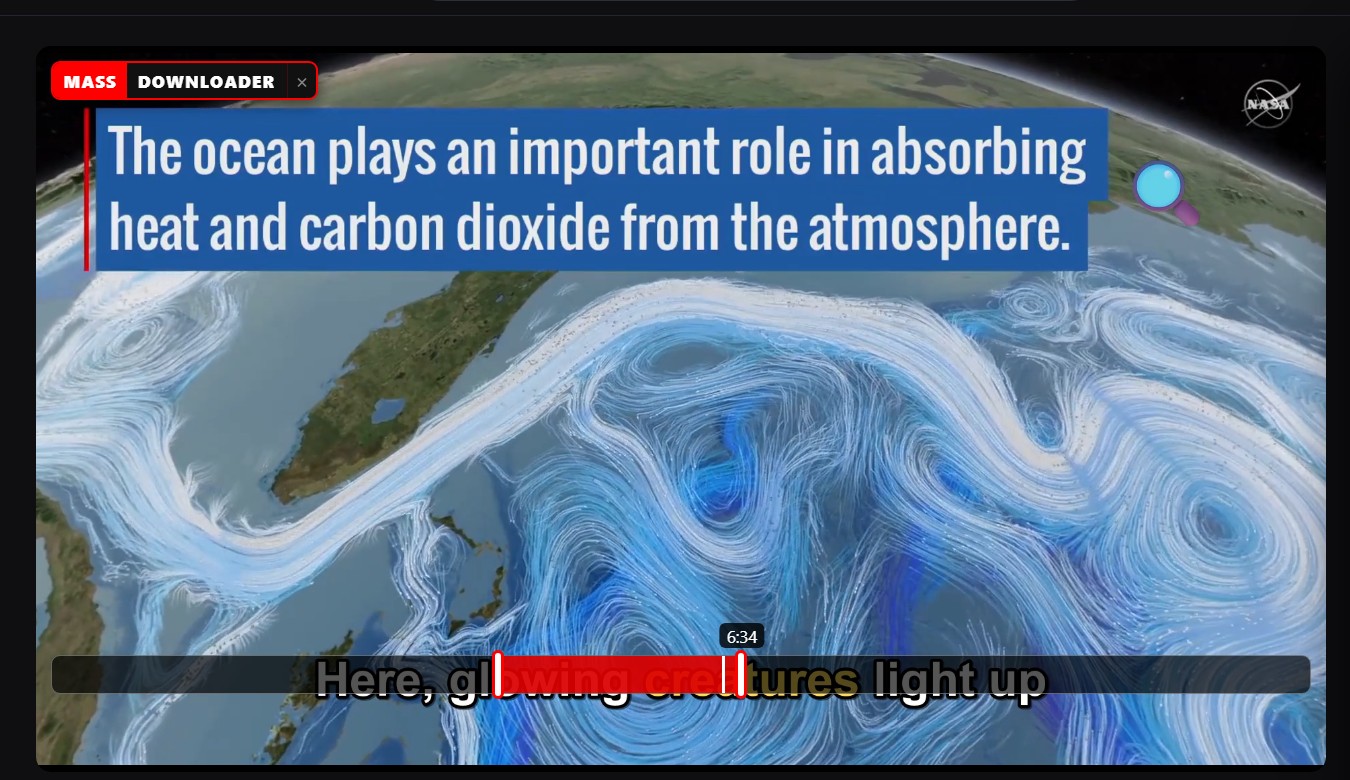
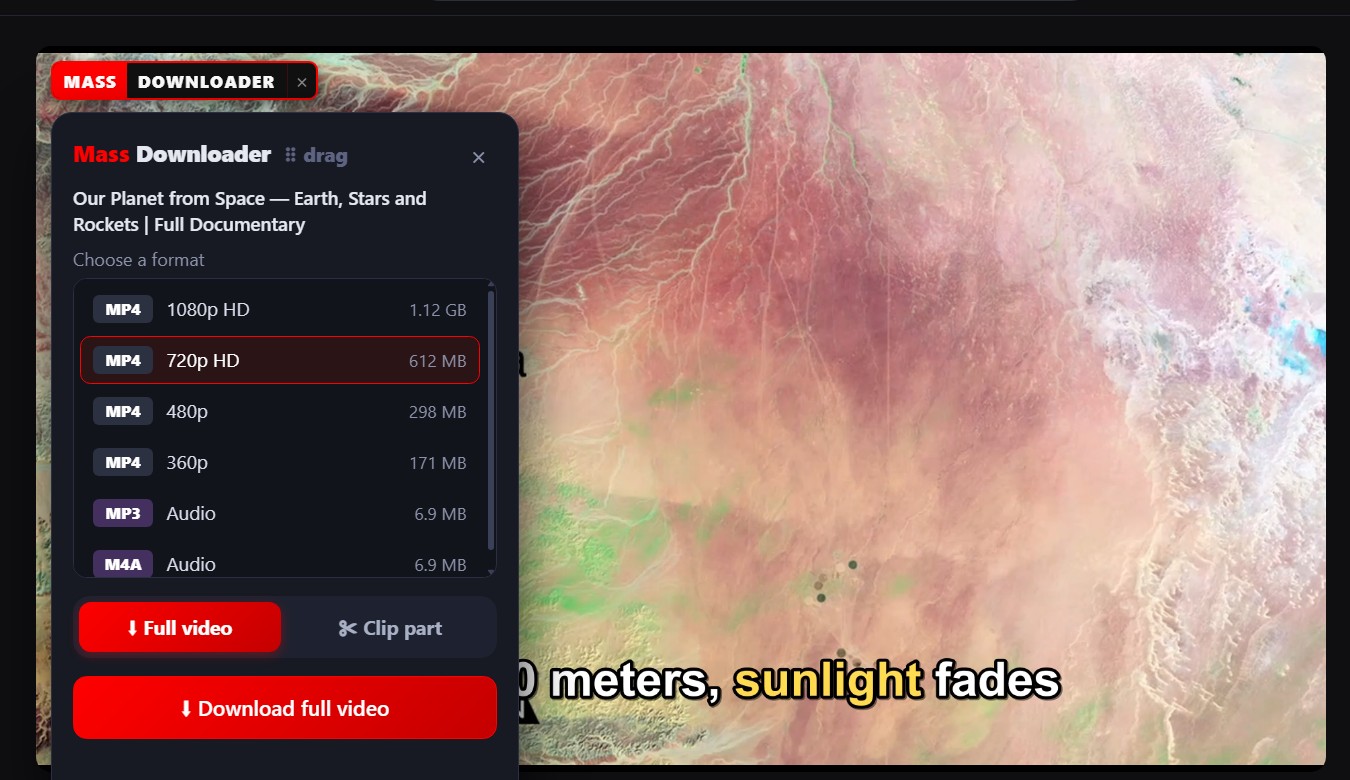
Browse as usual. When a video appears, a red button appears with it. Click, choose quality, and it’s in your download queue — no copying links.
Import a CSV or Excel sheet: one row per topic, links across the columns. Mass Downloader creates the folders and downloads everything in parallel.
| A · Sub folder | B | C | D |
|---|---|---|---|
| Minecraft | vimeo.com/… | vimeo.com/… | …more links |
| Gta 5 | tiktok.com/… | facebook.com/… | |
| Roblox | tiktok.com/… |
Video sites update constantly. Mass Downloader tries alternative methods when one fails and gives you a plain-language reason when a video truly can’t be saved.
Run the installer, paste your license key once, and you’re set. The key is tied to your computer.
Paste links, import a sheet, or click the red button on any video in Chrome.
Download the whole video or mark a section. Watch every item progress in the queue.
No subscriptions. One license key, activated on your computer.
Try everything before you buy.
Everything you need to download and clip.
For editors and teams who work on several PCs.
Facebook, TikTok, Instagram, X, Vimeo, Dailymotion, Reddit, Twitch, SoundCloud, Bilibili and over a thousand more. Sites change often, so support can vary — that’s why the engine can be updated from inside the app.
In the browser, open a video, press Clip part, and mark Start and End on the player’s progress bar (or press the Start / End buttons while the video is at the right moment). The app then downloads just that section where the site allows it and saves it as its own file.
Yes — if the video itself is available in 4K. Choose “Up to 4K” in the quality list. 4K files usually come as MKV or MP4 depending on the codec.
Yes. The extension sends the video to the Mass Downloader app on your PC, so the app must be running. Nothing is sent to our servers.
New software from an independent developer can trigger a Windows SmartScreen notice. Click More info → Run anyway. The app runs entirely on your PC and only contacts our server to verify your license.
You receive a license key by message after payment. Enter it once in the app; it is tied to your computer (Pro: 1 PC, Creator: 3 PCs). Pro is a 1-year license; Creator is lifetime, with no renewal fees.
The app tries several methods automatically and shows a clear reason if it can’t — private, removed, DRM-protected or region-locked videos can’t be downloaded. For anything else, message us and we’ll help.
Only download content you own, that is in the public domain, or that you have permission to download, and follow each website’s terms. You are responsible for how you use the tool.
If Mass Downloader doesn’t work on your PC and we can’t fix it, ask for a refund within 7 days of purchase.
Install Mass Downloader, then activate it with your license key — or request a free 7-day trial key.
Version 1.1.0 · Windows 10 / 11 (64-bit) · about 160 MB
Download installerWindows may show a SmartScreen notice for new software — choose More info → Run anyway.
Adds the red download button and the clip selector to every video.
Chrome ExtensionComing soon to the Chrome Web Store
Full versionThe same download bar, format list, dubbing and clip selector — in Mozilla Firefox.
Add to FirefoxNeed a key? or .
Get Mass Downloader and keep only the moments that matter.